Synopsis: Ver-Mac message boards are sold with various types of controllers, and depending on the age of your unit, you will need to know the difference between them. The way they are programmed, troubleshot, and updated may vary.
1. Explora Controller (New style)

Figure 1- Explora Controller
Note: The new Explora touchscreen can support our integrated Quectel or Xbee modems as well as external modems (Digi WR-21, Digi WR-31, Sierra Wireless, etc.). To identify it, ensure the circuit board on the back is blue.
2. BUFF-7390 Controller (Old style)
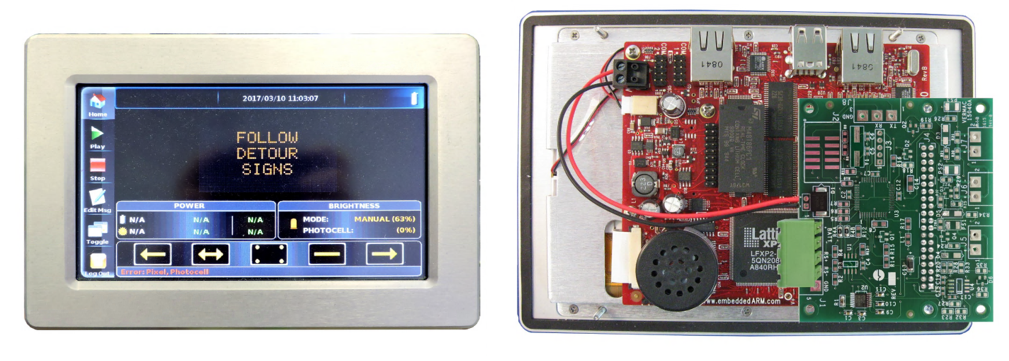
Figure 2 - BUFF-7390 Controller
Note: The older style controller only has the ability to support external modems (Digi WR-21, Digi WR-31, Sierra Wireless, etc.). To identify it, ensure the circuit board on the back is red.
3. Handheld Controller
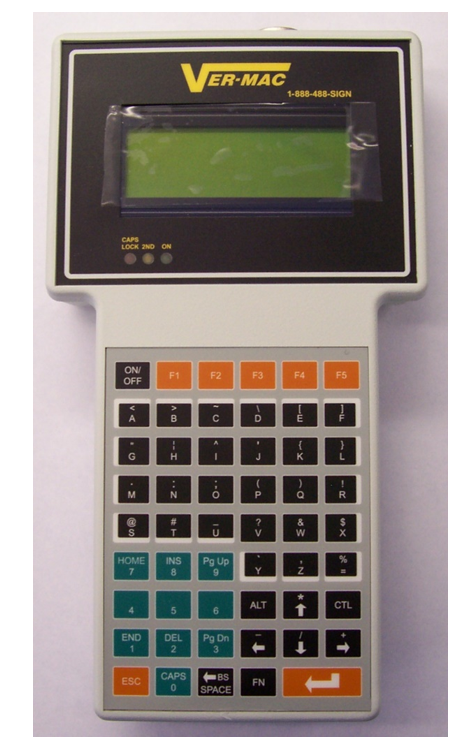
Figure 3 - Handheld controller
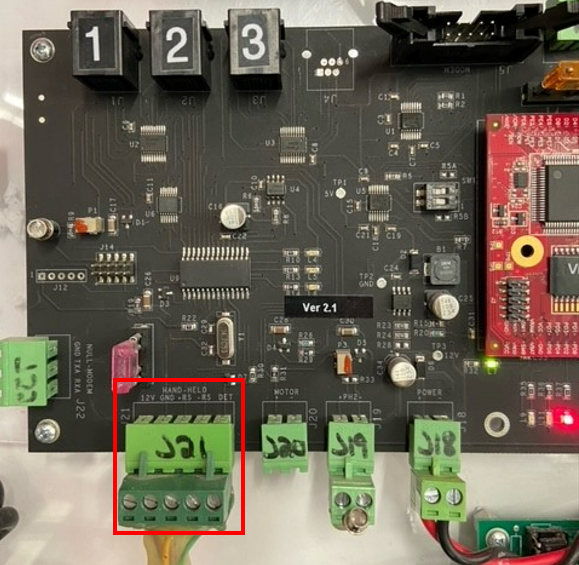
Figure 4 - Spiral cable plugging into communication card
Note: The handheld controller uses a spiral cable to power on. The cable is connected directly to your communication card.
4. LCD Screen & Keyboard Controllers (BUFF-3200 & BUFF-7400)

Figure 5 - BUFF-3200 (Older style with green circuit board)
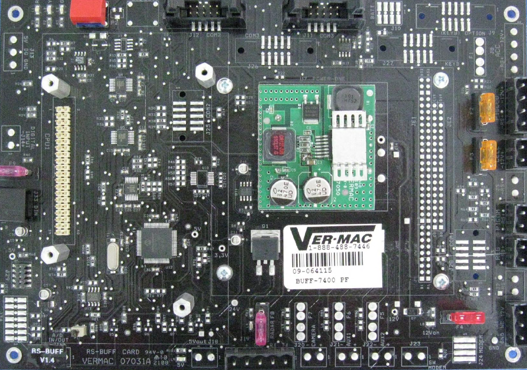
Figure 6 - BUFF-7400 (Newer style with black circuit board)
Note: The LCD screen and keyboard are connected directly to the main circuit board (also called the BUFF card). Both of these controllers are discontinued and cannot be repaired or purchased new.
If you require any additional help, contact our toll-free number at 1-888-488-7446 or email us at support@ver-mac.com
Comments
0 comments
Please sign in to leave a comment.